OpenDisplay vs Duet Display
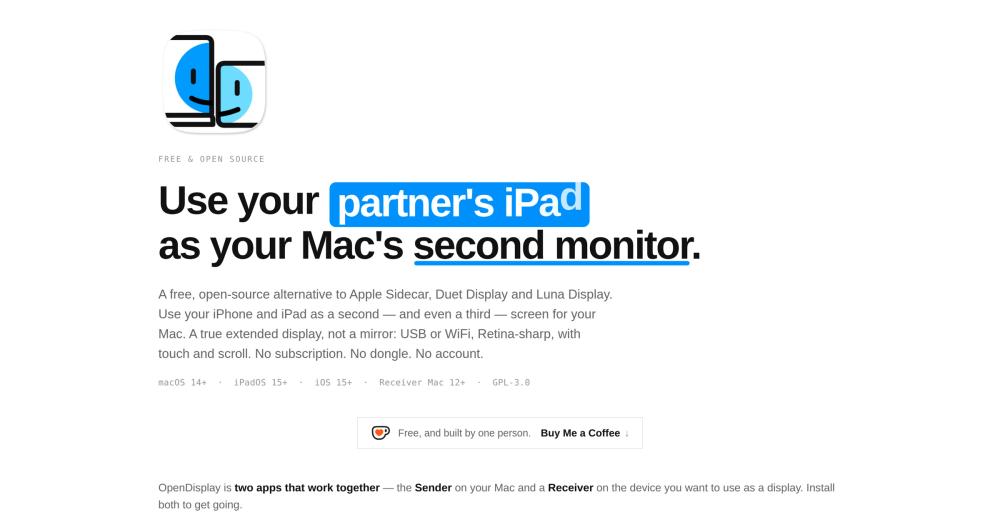
Both tools extend the Mac desktop onto an iPhone or iPad over USB or WiFi. Duet Display pioneered this approach for iOS and was the leading third-party option before moving to a subscription model. OpenDisplay provides the same core capability for free.
| Feature | OpenDisplay | Duet Display |
|---|
| Price | Free (GPL-3.0) | Subscription |
| iPhone support | Yes | Yes |
| iPad support | Yes | Yes |
| USB wired | Yes | Yes |
| WiFi | Yes | Yes |
| Open source | Yes (GPL-3.0) | No |
| No account required | Yes | No |
OpenDisplay is the better choice when cost is the deciding factor or when you want an auditable, subscription-free tool you can build from source. Duet Display remains relevant if you need a more mature tool with a longer track record across macOS major versions or enterprise support options. Duet has shipped through more macOS release cycles, which matters if stability across OS upgrades is your primary concern.
OpenDisplay vs Luna Display
Luna Display ships a small hardware dongle that plugs into your Mac's USB-C or HDMI port. The dongle handles transport, enabling Luna Display's app to stream the Mac desktop to an iPad or another Mac at low latency. OpenDisplay matches the core use case using the charging cable you already own.
| Feature | OpenDisplay | Luna Display |
|---|
| Price | Free (GPL-3.0) | Hardware dongle + app |
| iPhone support | Yes | Yes |
| iPad support | Yes | Yes |
| Wired USB | Yes | No (dongle provides its own link) |
| Open source | Yes (GPL-3.0) | No |
| No extra hardware required | Yes | No |
OpenDisplay is the better choice for anyone who does not want to purchase hardware and is willing to use an existing USB cable. Luna Display is worth considering when you need the most consistent low-latency profile across macOS versions, because Luna's own hardware handles transport without depending on Apple's private CGVirtualDisplay API.