Open Source Alternatives
  • Alternatives
  • Categories
    Categories by size881 projects
    • Developer Tools460
    • AI & Machine Learning404
    • Web Development196
    • Business & Productivity191
    • Communication & Collaboration126
    • Security & Monitoring126
    • IT Management123
    • Product & Project Management106
    • Cloud & Hosting104
    • Data & Analytics104
    Browse all 21 categoriesLLMOps & AI Tooling, Design & Creative and 9 more
  • Blog
  • Advertise
SearchNotion, Slack, password manager.../
Submit
Open Source Alternatives
  • Alternatives
    • Developer Tools460
    • AI & Machine Learning404
    • Web Development196
    • Business & Productivity191
    • Communication & Collaboration126
    • Security & Monitoring126
    • Browse all 21 categories
  • Blog
  • Advertise
Submit your project

New open source projects by email

The projects we add and every new guide. Free, unsubscribe any time.

Open Source Alternatives LogoOpen Source Alternatives

Handpicked Open Source Alternatives to Paid Softwares

Product

  • Categories
  • Tag
  • Advertise

Resources

  • Blog
  • Collection
  • Submit

Company

  • Privacy Policy
  • Terms of Service
  • Refund Policy
  • Sitemap

Alternatives

  • Claude Code
  • Jira
  • Notion
  • Slack
  • Linear
  • Wispr Flow
  • All alternatives
© 2026 Open Source Alternatives. All rights reserved.
Open SourceAlternatives
Home/Categories/Security & Monitoring/KeePassXC
icon of KeePassXC

KeePassXC

Open source alternative to 1Password, Dashlane and Keeper

  • 29.3K stars
  • Active this week
  • Last commit 1 day ago

Last verified Oct 20, 2026

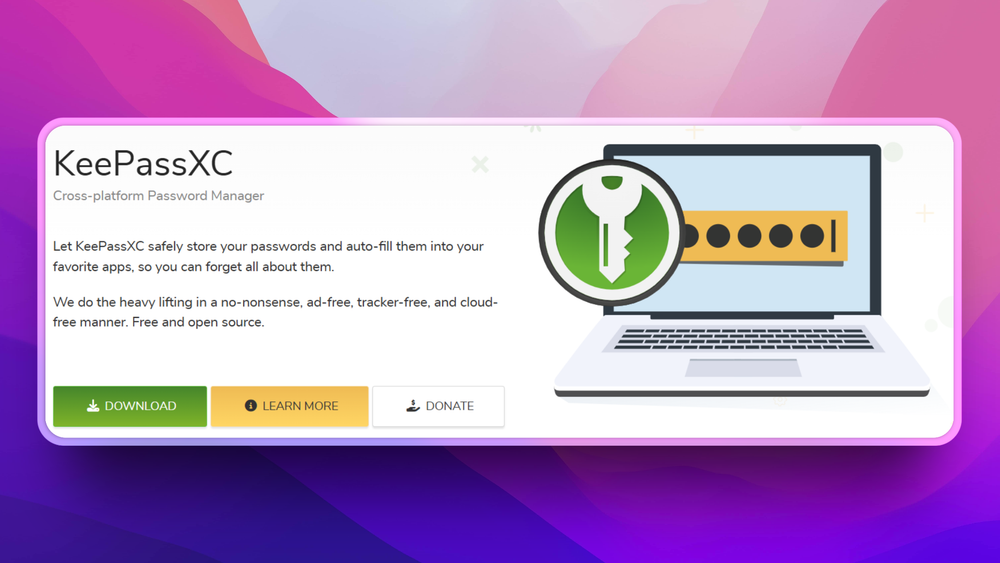
Secure passwords in an offline KeePass-compatible vault with native apps, browser autofill, and control over how your encrypted database is stored and synced.

Visit websiteGitHub29.3K starsDeploy on Hostinger
image of KeePassXC
TL;DR

KeePassXC is a local password manager that stores secrets in encrypted KeePass-compatible database files. It fits individuals and small teams replacing 1Password or Bitwarden when they want offline vault ownership, browser integration, Auto-Type, and no hosted password account. The official site describes GPLv3 open-source code, while the OSA item record still needs SPDX confirmation.

Read the full breakdownHide the full breakdownWho it is for, how it works, trade-offs and the FAQ
who it's for

Who KeePassXC is for#

Developers managing personal secrets

Use KeePassXC when a developer wants a private encrypted password vault with browser integration and no SaaS account dependency.

Skip if:

Skip it if the team needs central admin, delegated recovery, audit logs, and managed sharing.

Small teams with strict data ownership needs

Use KeePassXC when the priority is keeping password databases under team-controlled storage and backup rules.

Skip if:

Skip it if non-technical teammates need a vendor-managed password-sharing experience.

the problem

The problem it solves#

Hosted password managers solve sharing and sync, but they also centralize a team’s most sensitive secrets behind one vendor account. Some founders, developers, and security-conscious users prefer a vault file they can store, back up, and sync through infrastructure they already trust. The tradeoff is that local ownership only works if the desktop app handles daily login workflows cleanly.

KeePassXC serves that audience by keeping the password database local while still supporting practical browser and desktop workflows. It is not trying to become a managed enterprise secrets platform; it focuses on giving users control over an encrypted vault file.

how KeePassXC solves it

How it solves it#

Encrypted local vaults

Store passwords and other secrets in KeePass-compatible database files instead of a hosted account. Users decide where the vault lives and how it is backed up or synced.

Browser and Auto-Type workflows

Use browser integration and Auto-Type to fill credentials without manually copying every password. That keeps the local-vault model usable for everyday web logins.

Password generation and database tools

Generate strong passwords and manage database settings from the desktop app. The value is a controlled password workflow without depending on a subscription service.

Cross-platform desktop app

Run the same vault workflow across Linux, macOS, and Windows. That matters for mixed developer environments and users moving away from OS-specific password stores.

strengths · trade-offs

Strengths and trade-offs#

Strengths

  • Local ownership of secretsUnlike 1Password or Dashlane, KeePassXC does not require a hosted account for the core vault. Users can keep encrypted databases on local disk, private sync, removable storage, or a chosen backup system.
  • KeePass ecosystem compatibilityKeePassXC uses the KeePass database format, which gives users an exit path and a mature ecosystem around vault files instead of a proprietary database silo.

Trade-offs

  • -Sharing and recovery are your responsibilityKeePassXC does not provide the managed family, business, recovery, and admin-console workflows that hosted password managers sell. Teams must design their own backup, sync, access, and offboarding process.
versus alternatives

KeePassXC vs alternatives#

KeePassXC vs 1Password

KeePassXC is the better fit when the main requirement is an encrypted local password vault that the user owns and can back up independently. 1Password is stronger for managed teams that need shared vault administration, recovery flows, device approvals, and vendor support. Choose KeePassXC for local control; choose 1Password when managed business password operations matter more.

tech stack · detected from GitHub

What it's built on#

Languages
C++Objective-C++Python
frequently asked

FAQ#

What does KeePassXC replace?

KeePassXC can replace the personal password vault parts of 1Password, Dashlane, or Bitwarden. It does not replace their managed business admin consoles or hosted sharing workflows.

Is KeePassXC self-hosted?

KeePassXC is a local desktop app, not a server. Users store an encrypted database file and can sync it through whatever storage or backup system they choose.

What license does KeePassXC use?

KeePassXC publishes its source code under GPL terms. OSA keeps the public license field under manual review because GitHub does not expose a single SPDX identifier for the repo.

also worth a look

Similar open-source tools#

Bitwarden

Alternative to1Password

Open source password manager with end-to-end encryption and self-hosting.

  • 20,427 GitHub stars
  • AGPL-3.0Licence AGPL-3.0

Passbolt

Alternative to1Password

Open source team password manager with sharing and audit

  • 6,180 GitHub stars
  • AGPL-3.0Licence AGPL-3.0

Psono

Alternative to1Password

Self-hosted password manager for teams with enterprise SSO

  • 110 GitHub stars

Passwordcockpit

Alternative to1Password

Self-hosted team password manager with role-based access

  • 136 GitHub stars
  • BSD-3-ClauseLicence BSD-3-Clause

Password Safe

Alternative to1Password

Store passwords in an encrypted local database, no cloud account

  • 884 GitHub stars
  • Artistic-2.0Licence Artistic-2.0

Vaultwarden

Alternative toBitwarden

Lightweight self-hosted password manager server, Bitwarden compatible

  • 69,337 GitHub stars
  • AGPL-3.0Licence AGPL-3.0
by category

Open source tools in these categories#

126

Security & Monitoring

REA (Reverse Engineer Anything), RustDesk, Uptime Kuma
191

Business & Productivity

OpenClaw, Excalidraw, RustDesk
123

IT Management

RustDesk, Immich, Stirling PDF
Hostinger

Run KeePassXC on your own server

Self-host KeePassXC on a Hostinger VPS.

Deploy on Hostinger

Featured

Omnara

Alternative toCClaude Managed Agents

Open-source agent deployment API. Self-host or use Omnara Cloud.

  • 2,957 GitHub stars
  • Apache-2.0Licence Apache-2.0
  • #AI Agents

Inbox Zero

Alternative toSuperhuman

AI email assistant that drafts replies and clears your inbox

  • 12,712 GitHub stars
  • AGPL-3.0Licence AGPL-3.0
  • #Email

rakazo

Alternative toGrok Bot

AI teammates you own: your keys, your model, your machine.

  • 4,904 GitHub stars
  • Apache-2.0Licence Apache-2.0
  • #AI Agents
Feature your project

New open source projects by email

The projects we add and every new guide. Free, unsubscribe any time.

Find open source alternatives to paid software

/
  • Claude Code to OpenCode
  • Jira to Windshift
  • Notion to AppFlowy
  • Slack to Mattermost
  • Linear to GitLab
  • Wispr Flow to Handy
  • CapCut to Concat
  • Grok Bot to rakazo
  • Superhuman to Inbox Zero
  • Airtable to AITable
  • Muse to OpenClaw
  • GitHub Copilot to Cline
  • Datadog to Netdata
  • Microsoft Teams to Rocket.Chat
  • Pinecone to Qdrant
  • Zapier to n8n
  • Devin AI to OpenHands
  • Firebase to Supabase
  • 1Password to KeePassXC
  • Confluence to Docmost
  • Contentful to Strapi
  • Adobe Premiere Pro to Shotcut
  • ChatGPT to AnythingLLM
  • LangSmith to Langfuse
  • Claude Code to OpenCode
  • Jira to Windshift
  • Notion to AppFlowy
  • Slack to Mattermost
  • Linear to GitLab
  • Wispr Flow to Handy
  • CapCut to Concat
  • Grok Bot to rakazo
  • Superhuman to Inbox Zero
  • Airtable to AITable
  • Muse to OpenClaw
  • GitHub Copilot to Cline
  • Datadog to Netdata
  • Microsoft Teams to Rocket.Chat
  • Pinecone to Qdrant
  • Zapier to n8n
  • Devin AI to OpenHands
  • Firebase to Supabase
  • 1Password to KeePassXC
  • Confluence to Docmost
  • Contentful to Strapi
  • Adobe Premiere Pro to Shotcut
  • ChatGPT to AnythingLLM
  • LangSmith to Langfuse