T3 Code vs Claude Code
Claude Code is Anthropic's proprietary command-line tool for AI-assisted coding. T3 Code is an MIT-licensed open-source control plane that sits around Claude Code rather than replacing it. Understanding which role each plays is the central question for developers considering T3 Code.
| T3 Code | Claude Code |
|---|
| License | MIT | Proprietary (Anthropic) |
| Role | Agent control plane | The coding agent itself |
| Clients | iOS, Android, web, Electron desktop | Terminal CLI |
| Agents it drives | Claude Code, Codex, Cursor, Grok Build, OpenCode, Antigravity | Claude models |
| AI coding capability | None of its own; delegates to the agents | Does the coding work |
| Cost | Free (MIT) | Your own Claude Code subscription or API access |
Claude Code is what actually writes code. It reads files, runs commands, and edits your codebase based on your instructions. T3 Code cannot do any of that on its own: it needs Claude Code (or another supported agent) installed and authenticated on your machine before it works.
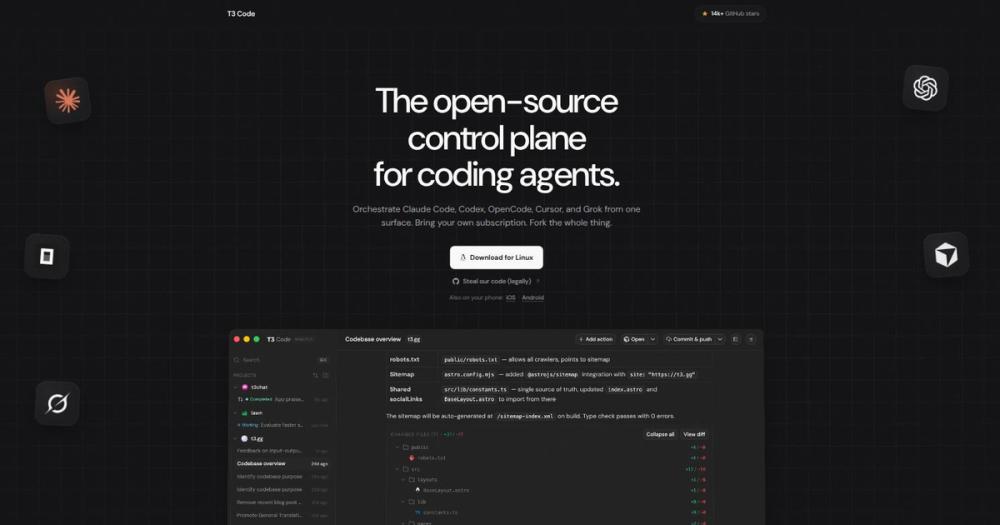
What T3 Code adds is a control surface for those sessions. You can start a Claude Code session from your phone, check its progress from a browser tab on another machine, and when the session is ready, send the output to GitHub as a pull request without touching a terminal.
When Claude Code without T3 Code is enough
If you work at one machine, you are comfortable in a terminal, and you do not need multi-agent sessions or a one-button PR flow, Claude Code alone is the simpler path. T3 Code adds a server process and an app layer that are unnecessary for straightforward single-machine terminal use.
When T3 Code pays off
T3 Code is worth adding when you want remote access to running agent sessions from a phone or second machine, when you are running multiple agents in parallel on different branches, or when you want the one-button commit-push-PR workflow without writing git commands.