OBS Studio vs XSplit and Streamlabs
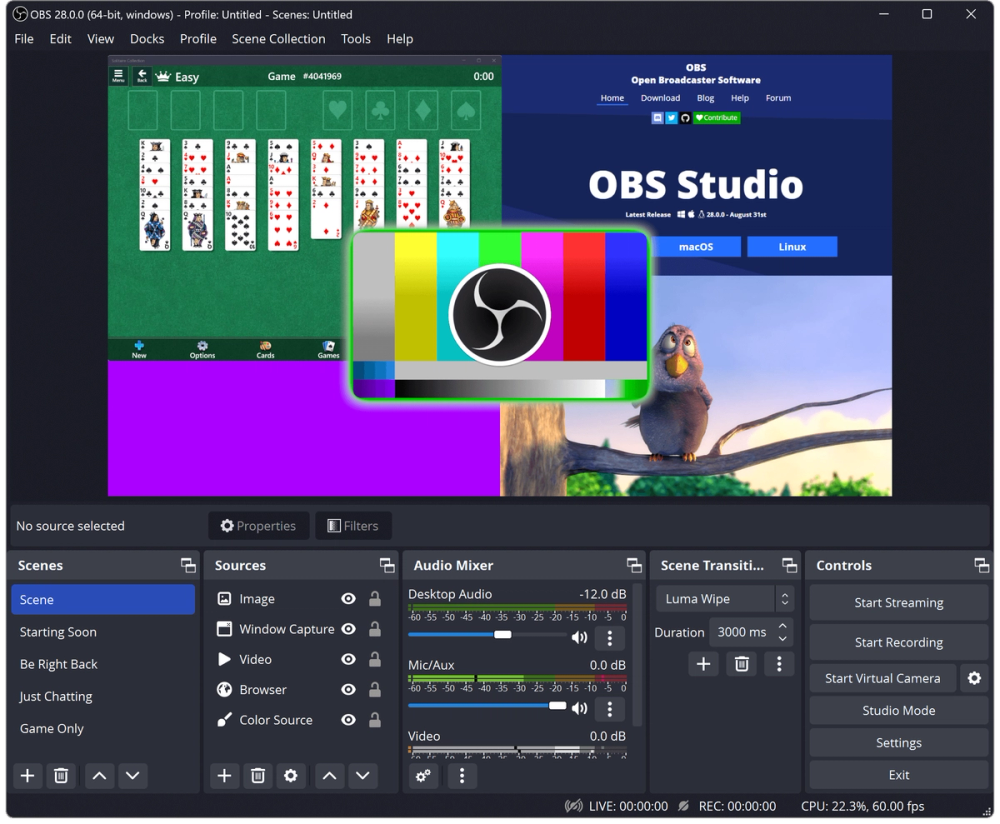
OBS Studio, XSplit, and Streamlabs all serve creators who need live streaming and screen recording, but OBS is the open source desktop production tool in the group. Its strongest fit is local control: scenes, sources, audio filters, Studio Mode, Multiview, plugins, and scripts run on your own machine across Windows, macOS, and Linux.
| Criteria | OBS Studio | XSplit / Streamlabs-style suites |
|---|
| License | GPL-2.0-or-later | Proprietary |
| Local recording | Yes | Yes |
| Linux support | Yes | Varies by product |
| Plugin and scripting model | Native plugins plus Lua/Python scripts | Vendor-controlled extension model |
| Best fit | Technical creators and production teams that want control | Creators who want bundled templates, account features, and vendor support |
Choose OBS Studio when you need a no-watermark recording and streaming tool you can inspect, extend, and run locally. A paid creator suite is still worth considering if your main need is packaged overlays, cloud asset management, or support from a vendor rather than control over capture, audio routing, and scene composition.