
Designers sharing interface motion
Kap captures short UI flows that can be attached to design reviews, docs, and pull requests.
Skip if:
Skip if you need multi-track editing, annotations, or team video hosting.

Open source alternative to CleanShot X, Loom, Camtasia and Snagit
Last verified
Create macOS screen recordings and export GIF, MP4, WebM, or APNG with an MIT-licensed app for demos, bug reports, and quick product clips.
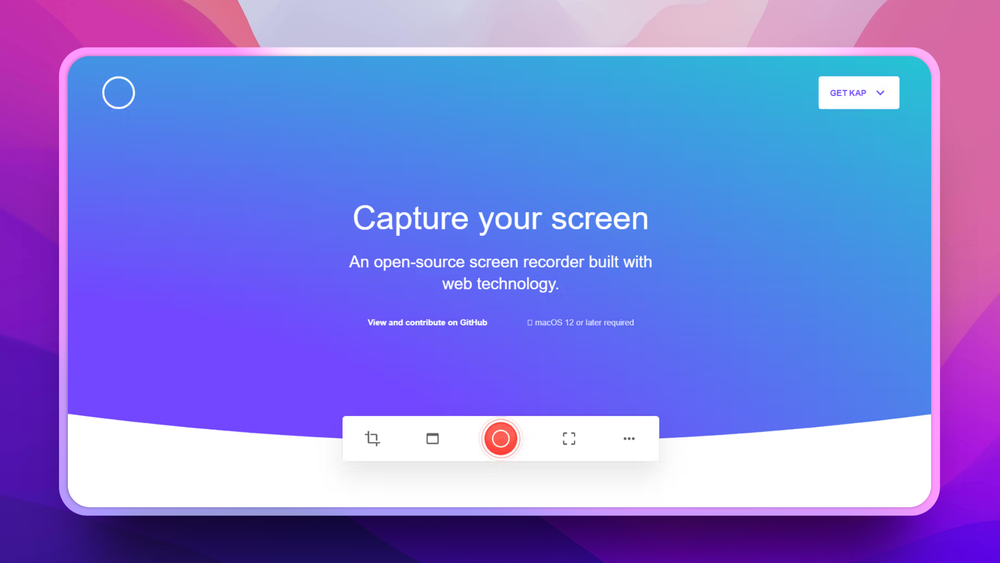
Kap captures short UI flows that can be attached to design reviews, docs, and pull requests.
Skip if you need multi-track editing, annotations, or team video hosting.
Use Kap to capture a focused screen area and export a clip small enough for an issue thread.
Skip if your team needs Windows or Linux support from the same recorder.
Teams often need to show a UI bug, record a small product demo, or create a short animated asset without opening a full video editor. Heavy screen recording suites add cost and workflow overhead when the task is only to capture, trim, and export a small clip.
For developers and designers on macOS, the useful workflow is fast capture plus the right export format. Anything more complex can slow down sharing feedback.
Records selected screen areas for quick product demos, bug reports, and short visual notes.
Exports common lightweight formats such as GIF, MP4, WebM, and APNG so clips can fit issue trackers, docs, and chat.
The project supports extensions and integrations that help send captures into downstream tools.
Kap and Camtasia both record screens, but they serve different editing needs. Kap is a lightweight macOS capture app; Camtasia is a proprietary video editing and training-content suite.
Kap is better for quick UI clips, GIFs, and bug reproductions. Camtasia is still better for polished tutorials that need annotations, multi-track editing, and packaged course-style video output.
Yes. Kap is open source under the MIT license.
Kap is commonly used for lightweight exports such as GIF, MP4, WebM, and APNG.
Kap can replace Loom for local recording and exporting short clips. Loom is better when you need hosted async video pages, viewer analytics, and team sharing features.

Alternative to CleanShot X
Free open-source screenshot and recorder for macOS

Alternative toCleanShot X
macOS screenshot and recorder, no cloud, no account, MIT licensed

Alternative to Snagit
Open source screenshot tool with annotation and upload

Alternative to Loom
Loom
Self-hosted screen recorder with custom S3 bucket support

Alternative toSnagit
Screenshot and record with 80+ upload destinations on Windows

Alternative to vMix
vMix
Record and stream with multi-source scenes and hardware encoding
Featured

Alternative to Superhuman
AI email assistant that drafts replies and clears your inbox

Alternative toClaude Managed Agents
Open-source agent deployment API. Self-host or use Omnara Cloud.

Alternative to Grok Bot
AI teammates you own: your keys, your model, your machine.
The projects we add and every new guide. Free, unsubscribe any time.
 Claude Code to
  OpenCode
 Jira to
  Windshift
 Notion to
  AppFlowy
 Slack to
  Mattermost
 Linear to
  GitLab
 Wispr Flow to
  Handy
Handy CapCut to
  Concat
 Grok Bot to
  rakazo
 Superhuman to
  Inbox Zero
 Airtable to
  AITable
 Muse to
  OpenClaw
 GitHub Copilot to
  Cline
Cline Datadog to
  Netdata
 Microsoft Teams to
  Rocket.Chat
 Pinecone to
  Qdrant
 Zapier to
  n8n
n8n Devin AI to
  OpenHands
 Firebase to
  Supabase
 1Password to
  KeePassXCConfluence to
  Docmost
 Contentful to
  Strapi
 Adobe Premiere Pro to
  Shotcut
 ChatGPT to
  AnythingLLM
 LangSmith to
  Langfuse


