
Open Source Alternatives
  • Alternatives
  • Categories
    Categories by size882 projects
    • Developer Tools461
    • AI & Machine Learning404
    • Web Development196
    • Business & Productivity191
    • Communication & Collaboration126
    • Security & Monitoring126
    • IT Management123
    • Product & Project Management106
    • Cloud & Hosting105
    • Data & Analytics104
    Browse all 21 categoriesLLMOps & AI Tooling, Design & Creative and 9 more
  • Blog
  • Advertise
SearchNotion, Slack, password manager.../
Submit
Open Source Alternatives
  • Alternatives
    • Developer Tools461
    • AI & Machine Learning404
    • Web Development196
    • Business & Productivity191
    • Communication & Collaboration126
    • Security & Monitoring126
    • Browse all 21 categories
  • Blog
  • Advertise
Submit your project

New open source projects by email

The projects we add and every new guide. Free, unsubscribe any time.

Open Source Alternatives LogoOpen Source Alternatives

Handpicked Open Source Alternatives to Paid Softwares

Product

  • Categories
  • Tag
  • Advertise

Resources

  • Blog
  • Collection
  • Submit

Company

  • Privacy Policy
  • Terms of Service
  • Refund Policy
  • Sitemap

Alternatives

  • Claude Code
  • Jira
  • Notion
  • Slack
  • Linear
  • Wispr Flow
  • All alternatives
© 2026 Open Source Alternatives. All rights reserved.
Open SourceAlternatives
Home/Categories/Web Development/Zen Browser
icon of Zen Browser

Zen Browser

Open source alternative to SigmaOS and Brave Browser

  • 45K stars
  • MPL-2.0
  • Active this week
  • Last commit 2 days ago

Last verified Oct 20, 2026

Optimize focused browsing with a privacy-first Firefox fork that adds workspaces, split view, and compact tabs.

Visit websiteGitHub45K stars
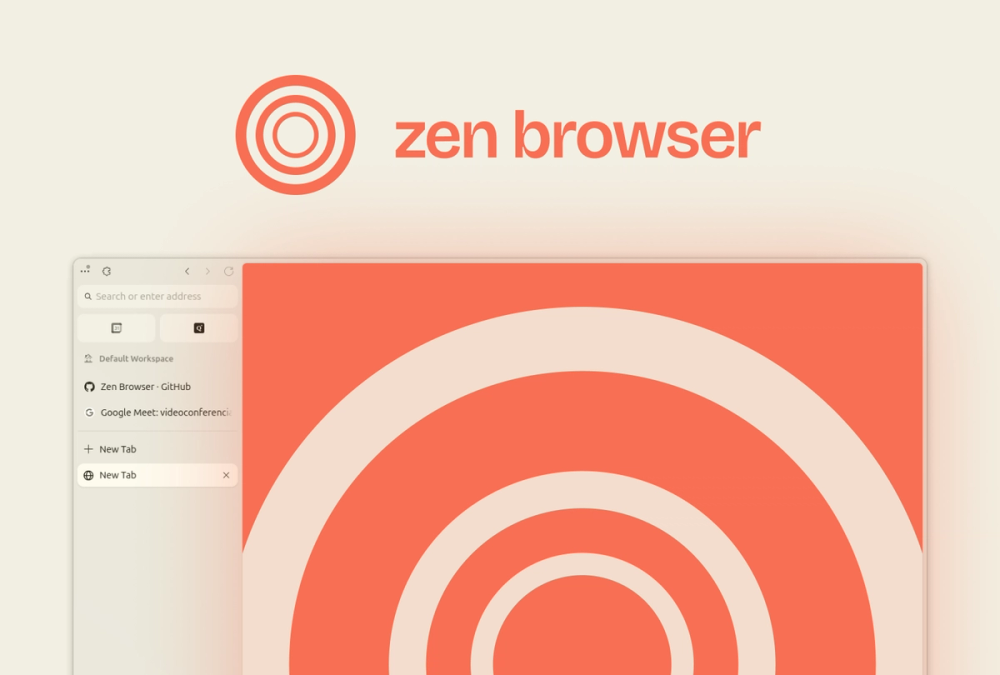
image of Zen Browser
TL;DR

Zen Browser is a Firefox-based open source browser for users who want a calmer productivity-focused alternative to Chrome or Arc. It keeps the browser choice outside the Chromium default while experimenting with a more focused desktop browsing experience.

Read the full breakdownHide the full breakdownWho it is for, how it works, trade-offs and the FAQ
who it's for

Who Zen Browser is for#

Power users leaving Chrome defaults

Use Zen when you want a Firefox-based browser with a productivity-oriented interface instead of another Chromium browser.

Skip if:

Your company requires Chrome policies, Google account integration, or enterprise browser management.

Open source users trying Arc-like focus

Use Zen when Arc’s interface appeals to you but proprietary browser lock-in does not.

Skip if:

You need the most mature mainstream browser compatibility possible.

the problem

The problem it solves#

Browsers are where work, research, and communication converge, but the default choices often push users toward one vendor ecosystem or a busy interface. People who want a quieter browser without leaving open source roots need an option that still tracks modern Firefox compatibility.

how Zen Browser solves it

How it solves it#

Firefox-based foundation

Zen builds on Firefox, giving users a browser path outside Chromium while keeping compatibility with much of the modern web.

Productivity-focused interface

The project positions itself around calmer, more productive browsing rather than another generic browser shell.

Open source desktop project

The code, release activity, and localization work are visible, which helps users evaluate the browser beyond a closed installer.

strengths · trade-offs

Strengths and trade-offs#

Strengths

  • Alternative to Chromium monocultureZen gives users a modern browser choice that is not built on the same Chromium base as Chrome, Edge, Brave, and Arc.
  • Focused browser experienceThe project’s calmer-internet positioning is useful for users who want fewer distractions in daily browsing.

Trade-offs

  • -Younger browser projectZen does not yet have the enterprise track record, extension assumptions, or support surface of Chrome or Firefox itself.
  • -Arc remains more polished for mainstream productivity browsingArc’s proprietary product has more market polish and onboarding for users who do not care about open source.
versus alternatives

Zen Browser vs alternatives#

Zen Browser vs Chrome and Arc

Zen Browser is better when users want a Firefox-based browser with a calmer productivity-focused interface outside the Chromium default. Chrome is stronger for enterprise compatibility and Google account integration, while Arc is more polished for users who want a proprietary productivity browser. Zen fits people who want browser choice without leaving open source roots.

tech stack · detected from GitHub

What it's built on#

Languages
C++JavaScript
frequently asked

FAQ#

Is Zen Browser based on Firefox?

Yes. The README describes Zen as a Firefox-based browser.

Can Zen Browser replace Chrome?

Zen can replace Chrome for users who want a Firefox-based open source browser and do not depend on Chrome-specific enterprise features.

How is Zen Browser different from Arc?

Zen targets a calmer productivity browser experience with open source roots. Arc is proprietary and more mature for mainstream onboarding.

also worth a look

Similar open-source tools#

LibreWolf

Alternative toBrave Browser

Privacy-hardened Firefox fork with all telemetry removed

  • 256 GitHub stars
  • MPL-2.0Licence MPL-2.0

Waterfox

Alternative toBrave Browser

Privacy-focused browser engineered for speed and user control

  • 6,380 GitHub stars
  • MPL-2.0Licence MPL-2.0

Mullvad Browser

Alternative toBrave Browser

Privacy browser built with the Tor Project to minimize tracking

  • 2,288 GitHub stars
  • MPL-2.0Licence MPL-2.0

Floorp

Alternative toBrave Browser

Firefox fork with advanced privacy controls and UI customization

  • 8,452 GitHub stars
  • MPL-2.0Licence MPL-2.0

Markdown Preview Editor

Alternative toTypora

Browser-only Markdown editor with live preview and strict privacy.

  • 30 GitHub stars
  • MITLicence MIT

JellyBoxPlayer

Alternative toSymfonium

Native Jellyfin and Emby music player for every platform

  • 750 GitHub stars
  • AGPL-3.0Licence AGPL-3.0
by category

Open source tools in these categories#

196

Web Development

freeCodeCamp, superpowers, Skills for Real Engineers
191

Business & Productivity

OpenClaw, Excalidraw, RustDesk
461

Developer Tools

REA (Reverse Engineer Anything), superpowers, Skills for Real Engineers

Featured

Omnara

Alternative toCClaude Managed Agents

Open-source agent deployment API. Self-host or use Omnara Cloud.

  • 2,957 GitHub stars
  • Apache-2.0Licence Apache-2.0
  • #AI Agents

Inbox Zero

Alternative toSuperhuman

AI email assistant that drafts replies and clears your inbox

  • 12,712 GitHub stars
  • AGPL-3.0Licence AGPL-3.0
  • #Email

rakazo

Alternative toGrok Bot

AI teammates you own: your keys, your model, your machine.

  • 4,904 GitHub stars
  • Apache-2.0Licence Apache-2.0
  • #AI Agents
Feature your project

New open source projects by email

The projects we add and every new guide. Free, unsubscribe any time.

Find open source alternatives to paid software

/
  • Claude Code to OpenCode
  • Jira to Windshift
  • Notion to AppFlowy
  • Slack to Mattermost
  • Linear to GitLab
  • Wispr Flow to Handy
  • CapCut to Concat
  • Grok Bot to rakazo
  • Superhuman to Inbox Zero
  • Airtable to AITable
  • Muse to OpenClaw
  • GitHub Copilot to Cline
  • Datadog to Netdata
  • Microsoft Teams to Rocket.Chat
  • Pinecone to Qdrant
  • Zapier to n8n
  • Devin AI to OpenHands
  • Firebase to Supabase
  • 1Password to KeePassXC
  • Confluence to Docmost
  • Contentful to Strapi
  • Adobe Premiere Pro to Shotcut
  • ChatGPT to AnythingLLM
  • LangSmith to Langfuse
  • Claude Code to OpenCode
  • Jira to Windshift
  • Notion to AppFlowy
  • Slack to Mattermost
  • Linear to GitLab
  • Wispr Flow to Handy
  • CapCut to Concat
  • Grok Bot to rakazo
  • Superhuman to Inbox Zero
  • Airtable to AITable
  • Muse to OpenClaw
  • GitHub Copilot to Cline
  • Datadog to Netdata
  • Microsoft Teams to Rocket.Chat
  • Pinecone to Qdrant
  • Zapier to n8n
  • Devin AI to OpenHands
  • Firebase to Supabase
  • 1Password to KeePassXC
  • Confluence to Docmost
  • Contentful to Strapi
  • Adobe Premiere Pro to Shotcut
  • ChatGPT to AnythingLLM
  • LangSmith to Langfuse