Tinycast vs Raycast AI
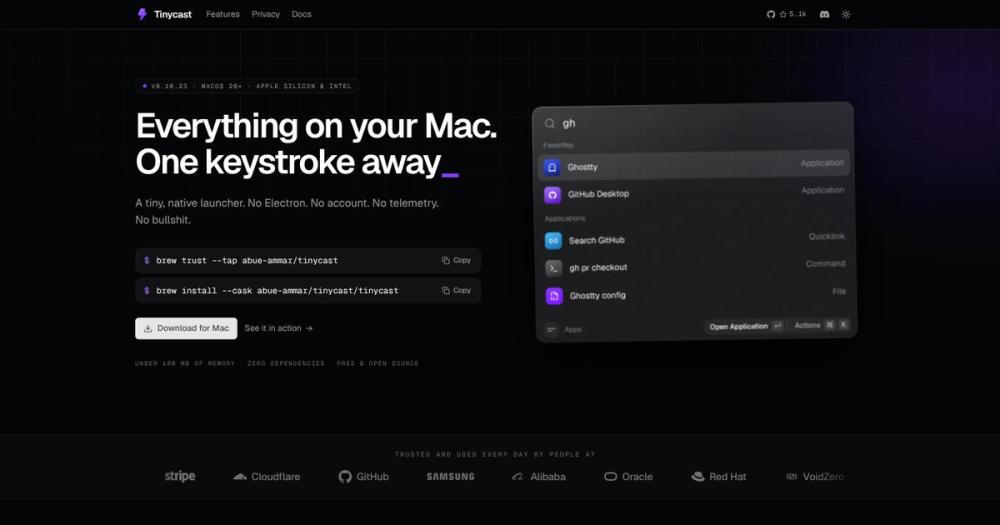
Both tools serve the same daily-driver role: a hotkey-triggered palette for app launching, clipboard history, snippets, quicklinks, and window management. The decision hinges on cloud connectivity and licensing.
| Feature | Tinycast | Raycast AI |
|---|
| License | AGPL-3.0 | Proprietary |
| Account required | No | Yes (for AI features) |
| Telemetry | None | Yes |
| AI features | BYOK, off by default | Managed, cloud-connected |
| Raycast extensions | Yes (JavaScriptCore + SwiftUI) | Yes (native) |
| Window management | Yes (34 actions) | Via extensions only |
| Price | Free | Free tier + Pro |
Tinycast is the better choice for users who want Raycast's workflow without its account requirement and cloud-connected AI. Extension compatibility means most Raycast users can migrate without losing their tools. Raycast is still the better fit when you rely on its hosted AI features, cloud sync across machines, or Pro-only extensions that depend on Raycast's backend.
Tinycast vs Alfred
Alfred is a long-running, privacy-respecting macOS launcher with no telemetry and local-only data. Both tools avoid cloud connectivity by default. Alfred is proprietary and free at a basic tier, with a paid Powerpack for advanced features.
| Feature | Tinycast | Alfred |
|---|
| License | AGPL-3.0 | Proprietary |
| Price | Free | Free basic, paid Powerpack |
| Raycast extensions | Yes | No |
| Window management | Yes (34 actions) | No (separate app needed) |
| AI chat | Yes (BYOK) | No |
| Source available | Yes | No |
Tinycast covers more surface area than Alfred's free tier and does not require a paid upgrade for clipboard history or extensions. Alfred's Powerpack offers a broader workflow scripting system (Applescript, shell integration) that Tinycast's deliberately closed feature set does not match. For users who have invested heavily in Alfred workflows, Alfred remains the more extensible choice.
Tinycast vs LaunchBar
LaunchBar is a commercial launcher with a long history on macOS. It does not require an account and has strong keyboard-centric design, but carries a one-time or subscription license fee.
| Feature | Tinycast | LaunchBar |
|---|
| License | AGPL-3.0 | Proprietary |
| Price | Free | Paid (one-time or subscription) |
| Clipboard history | Yes | Yes |
| Window management | Yes (34 actions) | No |
| AI features | Yes (BYOK) | No |
| Raycast extensions | Yes | No |
Tinycast matches LaunchBar on core launcher functionality and adds window management and AI chat at no cost. LaunchBar's advantage is its mature, stable feature set with years of polish; Tinycast is still at v0.x with an actively evolving API. For users who want a proven tool with commercial support and long-term stability, LaunchBar is the more conservative choice.