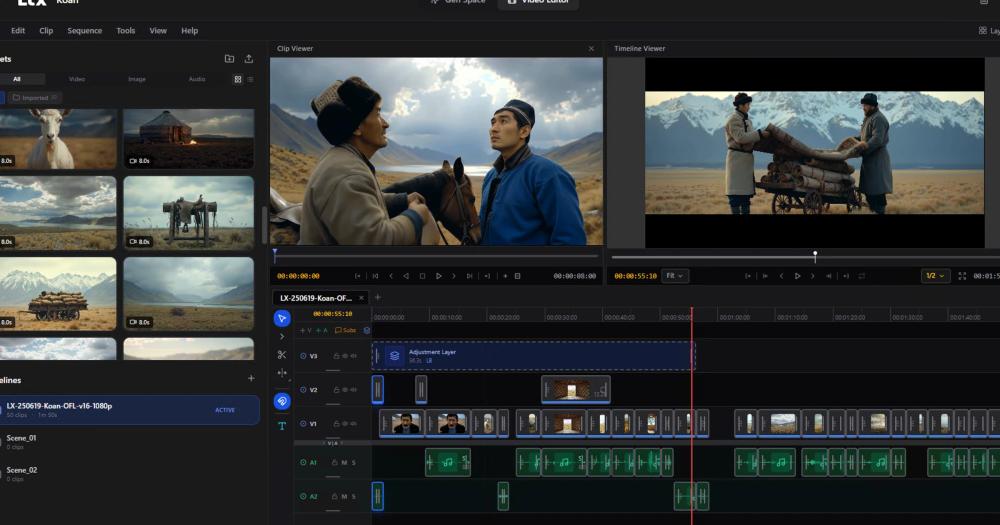
LTX Desktop vs Runway
Both generate AI videos from text and image prompts, but Runway operates entirely in the cloud while LTX Desktop runs on your own hardware. The decision comes down to whether you have compatible local hardware and need the privacy or cost predictability of on-device processing.
| Feature | LTX Desktop | Runway |
|---|
| License | Apache-2.0 | Proprietary |
| Deployment | Local desktop | Cloud only |
| Pricing | Free for local generation | Subscription + credits |
| Input privacy | On-device (local mode) | Processed on Runway servers |
| LoRA support | Yes (local mode) | No |
LTX Desktop is the better choice when you have a compatible GPU (15+ GiB VRAM) or Apple Silicon Mac (32+ GiB RAM) and want to eliminate cloud billing or keep footage off third-party servers. Runway is worth the subscription when you need its Gen-4 model quality, do not have compatible local hardware, or want a managed experience with no disk space overhead.
LTX Desktop vs Kling AI
Kling AI is a cloud-based video generator from Kuaishou with a free tier and paid credits for higher-resolution or longer clips. LTX Desktop appeals to users who need local generation with LoRA-based style control, which Kling does not offer.
| Feature | LTX Desktop | Kling AI |
|---|
| License | Apache-2.0 | Proprietary |
| Deployment | Local desktop | Cloud/web |
| Cost model | Free local generation | Free tier + credits |
| LoRA support | Yes (local mode) | No |
| Source access | Open source | Closed |
LTX Desktop is the better choice for anyone who needs fine-grained style control via LoRAs, wants generation to run offline, or needs to keep footage on-device. Kling AI is a better fit for users without a high-VRAM GPU who want a browser-based workflow with no local setup or storage overhead.