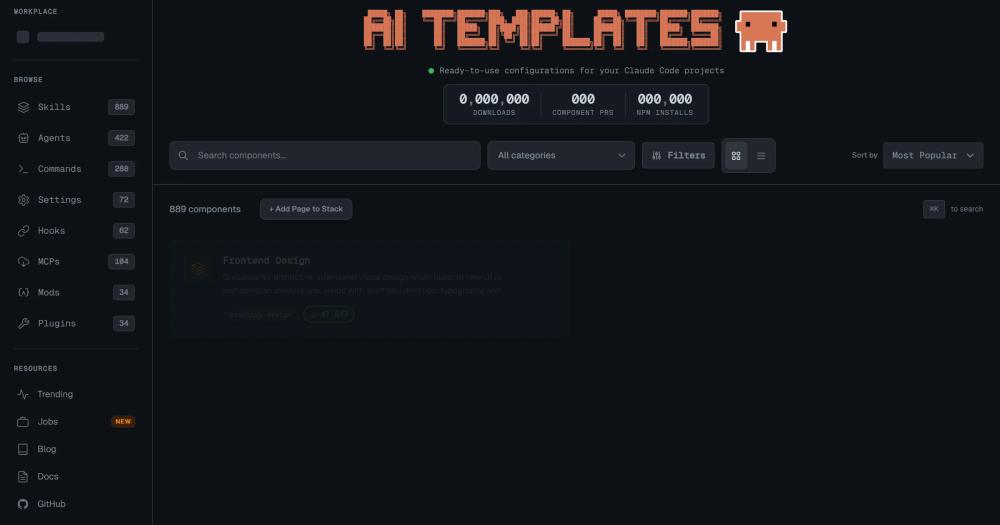
Claude Code Templates vs Cursor AI
Both tools offer pre-built configurations for AI-assisted coding, but they target different base tools and cost models. Cursor AI is a paid IDE ($20/mo Pro, $40/mo Business) with built-in workspace rules and context files; Claude Code Templates is a free MIT-licensed component registry for Claude Code with no per-seat fee beyond your existing Anthropic API access.
| Feature | Claude Code Templates | Cursor AI |
|---|
| License | MIT | Proprietary |
| Monthly cost | Free (component layer) | $20/mo Pro |
| Community registry | 1,000+ components | None |
| Component types | Agents, commands, MCPs, hooks, settings | Workspace rules, context files |
| Runs locally | Yes, MIT source | Cloud-dependent IDE |
Claude Code Templates is the better choice for developers already on Claude Code who want community-curated agents and MCP integrations without switching editors or paying an additional monthly fee. Cursor AI is worth considering when you want a fully integrated IDE experience with built-in AI and do not need the breadth of Claude Code's agent and MCP ecosystem.
Claude Code Templates vs GitHub Copilot Workspace Instructions
GitHub Copilot lets teams share repository-level instructions with the AI, which covers similar ground to Claude Code Templates' settings and agent components. Copilot costs $10/mo per developer for individuals and $19/mo on Business plans. Unlike Claude Code Templates, there is no public component registry to browse and no equivalent of the MCP integration library.
| Feature | Claude Code Templates | GitHub Copilot |
|---|
| License | MIT | Proprietary |
| Monthly cost | Free (needs Anthropic API) | $10/mo individual, $19/mo Business |
| Community component registry | Yes, 1,000+ | No |
| MCP integrations | Yes | No native equivalent |
| Base AI tool | Claude Code | GitHub Copilot |
Claude Code Templates is the right choice for Claude Code users who want a shared, community-backed component library and MCP integrations without per-seat costs. GitHub Copilot Workspace Instructions are the better fit when your team's workflow is built around GitHub's CI/CD integration and code completion is the primary use case.