Zed vs VS Code and Cursor
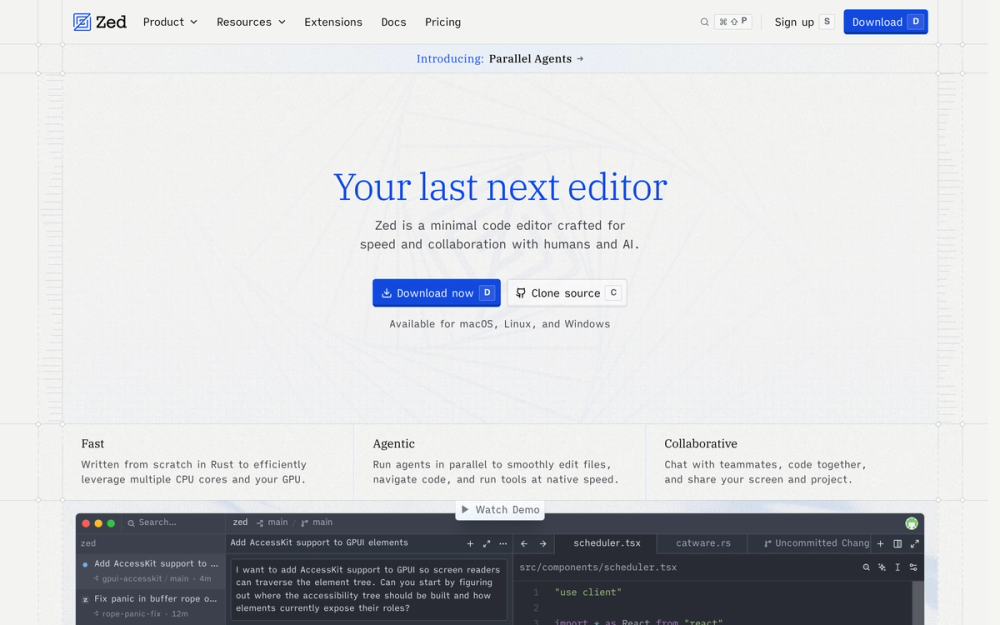
Zed overlaps with VS Code and Cursor as a daily code editor, but its main bet is a native Rust editing surface with collaboration and AI built into the core workflow. VS Code still wins when extension breadth is the deciding factor; Cursor is the more familiar choice for teams that want a VS Code-style AI editor with minimal migration.
| Feature | Zed | VS Code / Cursor |
|---|
| Runtime | Native Rust editor with GPU rendering | Electron-based editor family |
| Collaboration | Built-in multiplayer editing, channels, and private calls | Extension or product-specific collaboration path |
| AI | Hosted models, BYO keys, local models, MCP, and external agents | Strong AI workflows, usually tied to the editor's product model |
| Extension ecosystem | Growing Zed extension system | Much larger VS Code-compatible ecosystem |
Choose Zed when editor responsiveness, inspectable AI plumbing, and built-in pairing matter more than maximum extension coverage. Stay with VS Code or Cursor when a mature extension stack, exact VS Code compatibility, or an already-standardized AI editor workflow is more important than moving to a native editor.